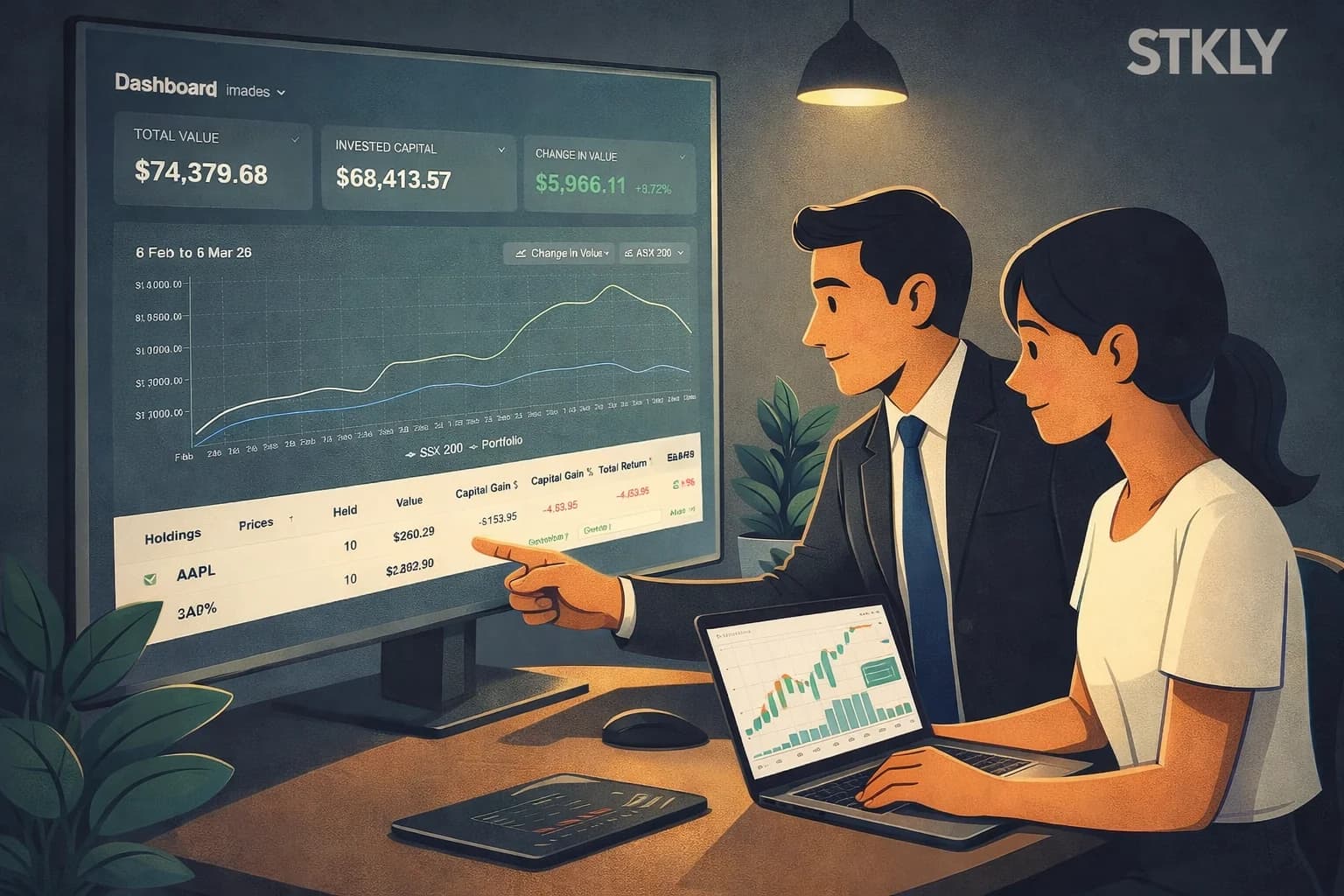
Portfolio view gives you a clear, structured way to see exactly what you own and how it is performing. Instead of piecing together positions across brokers, spreadsheets, and charts, everything sits in one focused workspace so you can quickly understand your portfolio and make better decisions.
Instant portfolio summaries show Total Value, Invested Capital, and Change in Value so you can immediately see whether your capital is working for you. With flexible date ranges—including relative periods, calendar and financial year presets, or a custom range—you can quickly assess how your portfolio performed in different market conditions.
Performance charts help you see the bigger picture. Switch between chart types to assess value growth, returns, drawdowns, or benchmark comparisons where available, making it easier to spot trends, measure progress, and judge how your strategy is holding up over time.
The holdings table makes it easy to filter, sort, and compare positions. Isolate specific tickers or exchanges, review key metrics, and quickly find the holdings that need your attention.
You can also organise holdings into groups that match how you invest—whether by strategy, sector, watchlist, or conviction level—so larger or more complex portfolios stay easier to manage.
If you already have transaction history elsewhere, you can import it directly using XLSX or CSV files. STKLY handles duplicate detection automatically so your portfolio history stays accurate without manual cleanup.
Each holding includes its own detail view, where you can review transaction history, record buy and sell activity, and track gain and return statistics in one place.
When a position needs closer attention, you can send it directly to STKLY’s Analysis view for ongoing monitoring. This lets you set alerts for signals such as unusual volume spikes, drawdown breaches, and other behaviour that may point to rising risk or emerging opportunity. Instead of checking charts manually every day, STKLY helps watch your holdings for you.
Your dashboard layout and interface preferences are saved automatically so your workspace stays consistent across sessions and devices.